Manufacturing & warehousing
Purchasing, batches, locations, scanning, quality checks, equipment and on-site traceability.
- WMS & mobile scanning
- Batches, serial numbers and activity records
- Device status & exception work orders
 Jianxu Digital JIANXU DIGITAL
Industry Solutions · From One Critical Workflow
Manufacturers, warehouses, device suppliers, stores and service businesses use different systems but must answer the same questions: where data comes from, who handles it, how exceptions are resolved and how results inform decisions.
These cards describe common starting points, not a standard feature list for every company. Formal proposals also assess site differences, existing tools and first-phase goals.
Purchasing, batches, locations, scanning, quality checks, equipment and on-site traceability.
Add connectivity, remote maintenance, diagnostics and ongoing services to traditional equipment.
Unify store devices, temperature control, energy, alerts, inspections and regional operations.
Collect electricity, water, gas and environmental data and connect exceptions, inspections, work orders and analytics.
Connect booking, scheduling, dispatch, fulfillment, redemption, settlement and after-sales service.
Make complex products, technical services and cases easier to find, understand and enquire about.
Connect leads, quotes, contracts, tasks, delivery, invoices and payments.
Turn policies, product information, project records and service materials into collaborative knowledge with permissions and sources.
These cases come from delivered projects. Client names, locations and production data are anonymized; images are redrawn from actual sites and system structures.
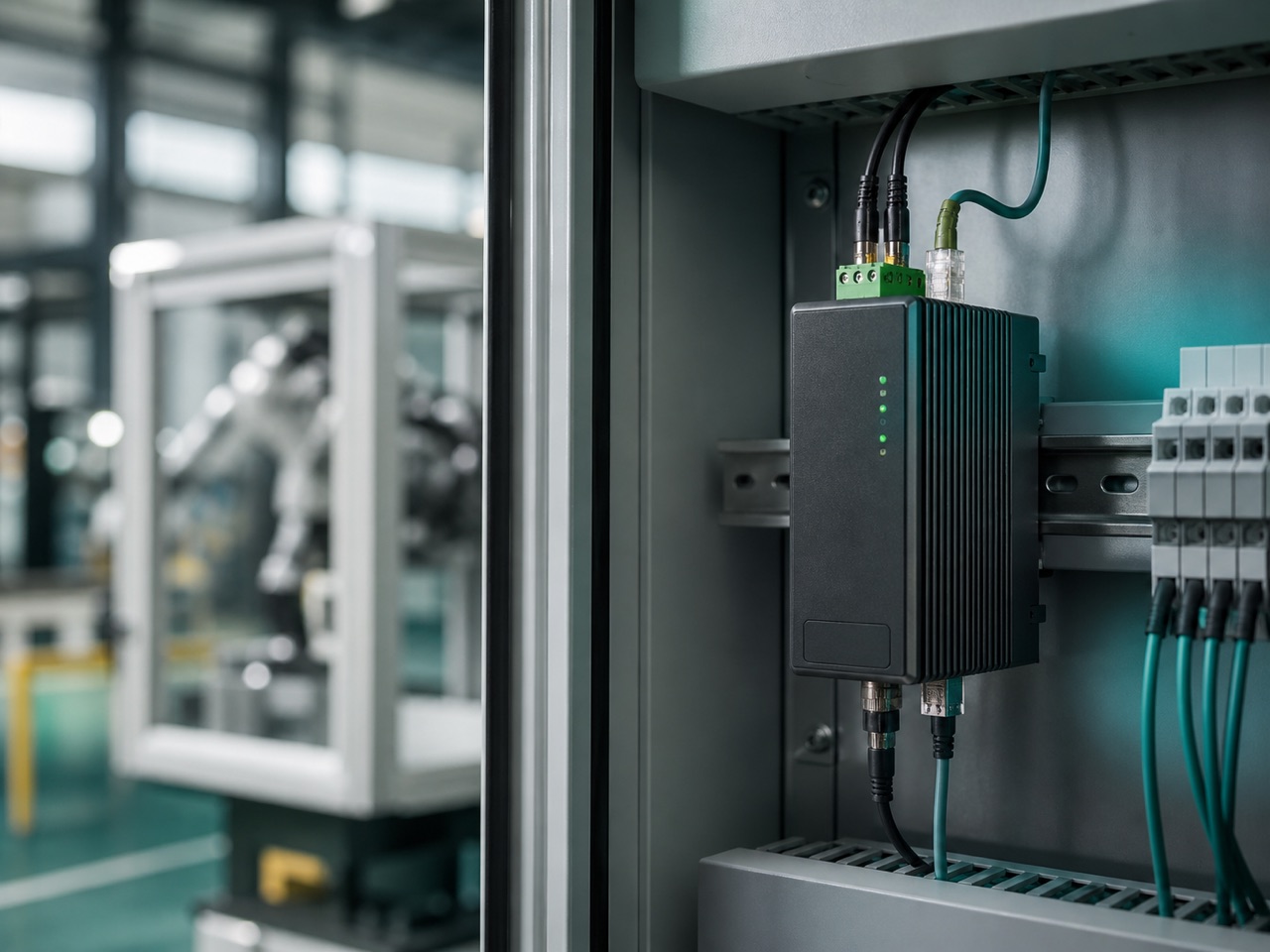
Gateways collect operational data, the platform detects exceptions, and work orders assign owners and record handling and recovery.
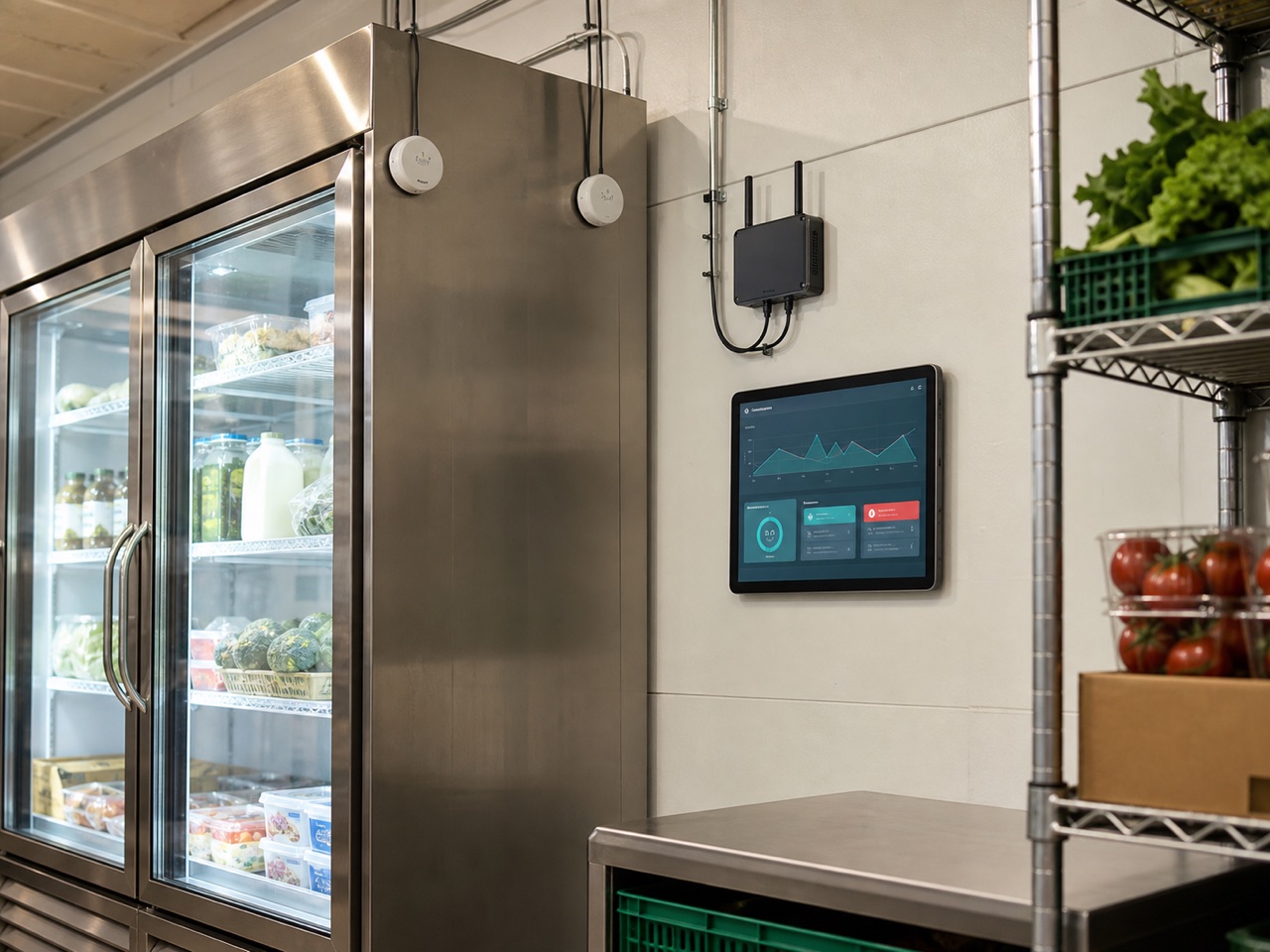
Sensors continuously collect temperatures. Exceptions are classified by store, device and duration, with store acknowledgement and regional follow-up.
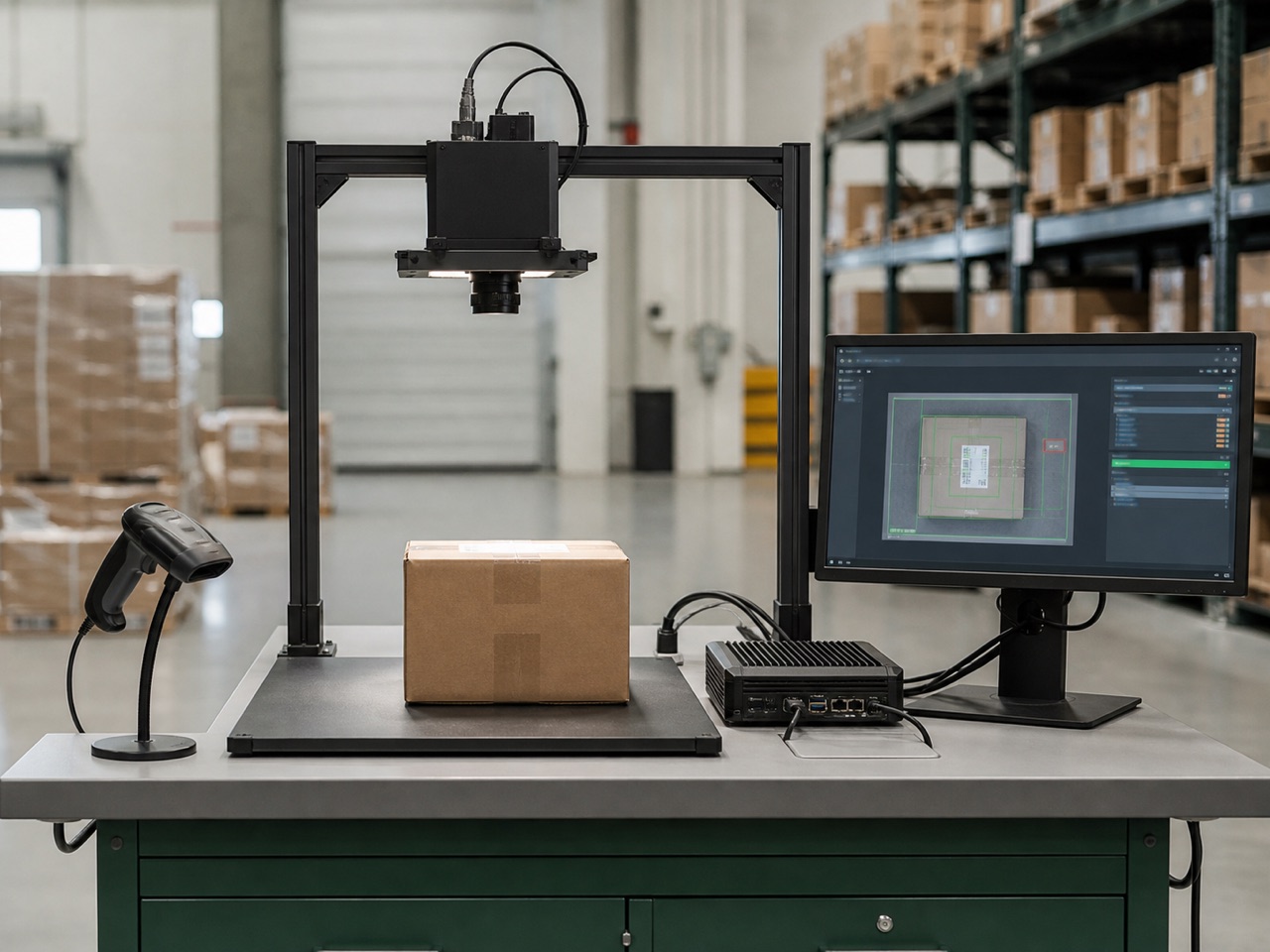
Cameras and scanners capture goods information. Edge inference performs recognition; low-confidence results require human review before entering inventory records.
Interfaces vary, but responsibility is typically needed for four layers: user access, business services, data integration and operational reliability.
Websites, mini programs, apps, field interfaces, admin consoles and dashboards.
Access · Submit · Execute · RespondCustomers, orders, inventory, devices, projects, work orders, approvals and messages.
Roles · States · Rules · ExceptionsDatabases, files, time-series data, third-party platforms and existing business systems.
Collect · Map · Sync · ReconcilePermissions, audits, deployment, monitoring, backups, evaluation and releases.
Secure · Traceable · Recoverable · ExtensibleFocus on one workflow to determine interfaces, data, acceptance checks and capabilities to defer.
If workflows closely match a standard product, assess mature SaaS first. Where devices, roles, rules, integrations or deployment differ significantly, consider configuration, extensions or custom development.
If staff enter and process most data, assess the business system first. If critical status comes from devices and field conditions, validate connectivity first. Many projects eventually connect both, but the first phase can focus on the key workflow.
No. Cases show experience with related workflows. A formal quote still needs to assess devices, data, roles, processes, integrations, deployment, acceptance and client responsibilities.
Usually not. Audit its data, APIs, code and operational conditions before choosing integration, partial changes, a complementary system or phased migration.
Share existing spreadsheets, documents, devices, systems and the workflow causing the most trouble. We will assess the first-phase outcome and technical boundaries.