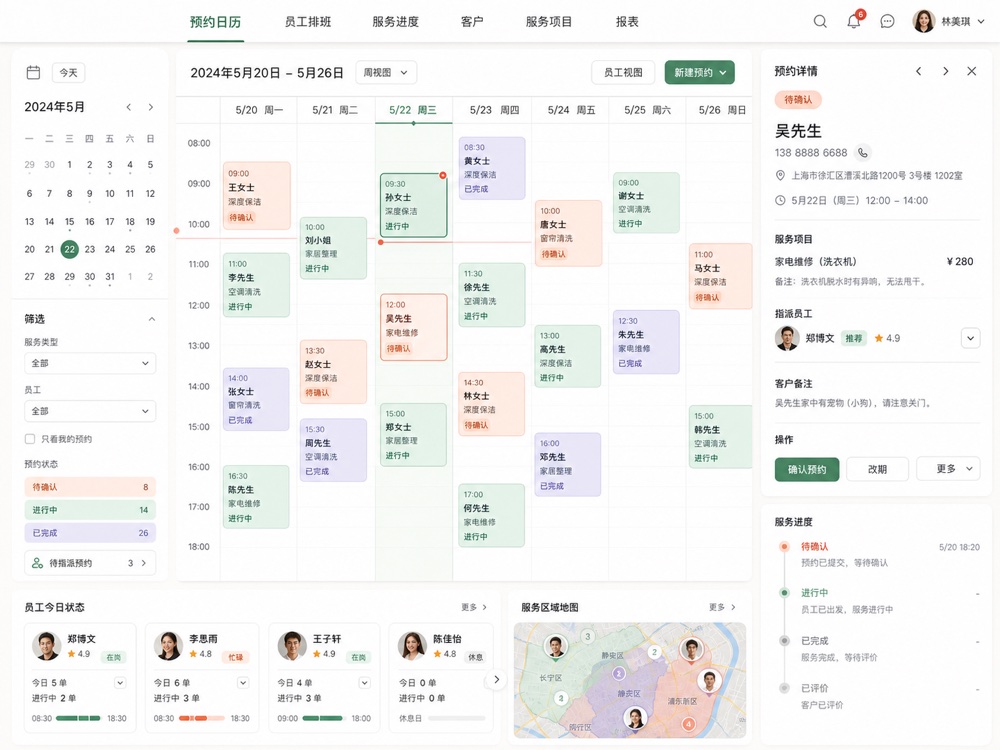
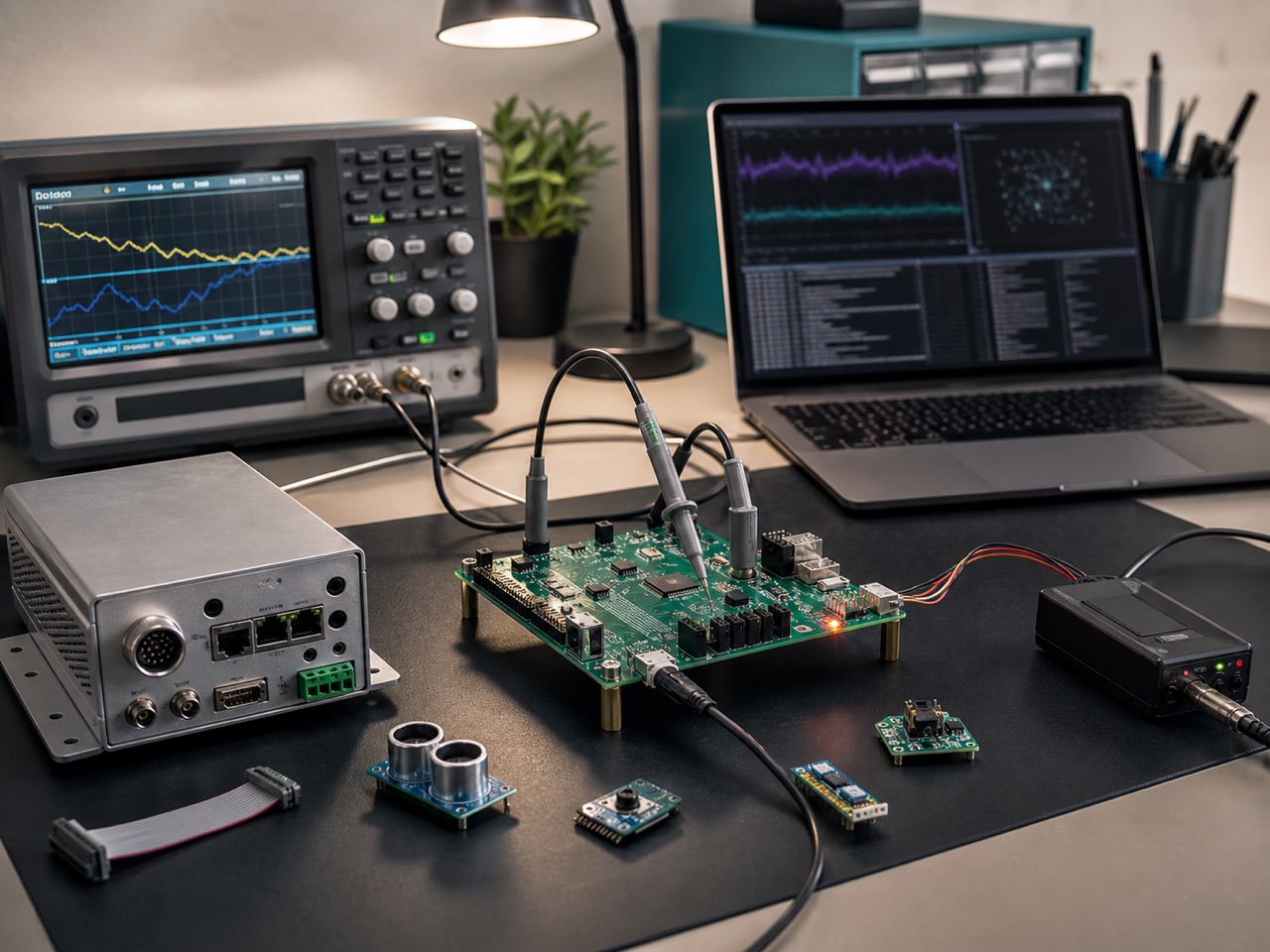
From business needs to delivery validation, see how systems become part of everyday work. Client identity and production data are hidden. Public interfaces are anonymized redrawings.
Featured cases are available as focused project reviews.
Each explains the business starting point, first-phase scope, acceptance focus and public boundaries. The full project library remains available on larger screens.
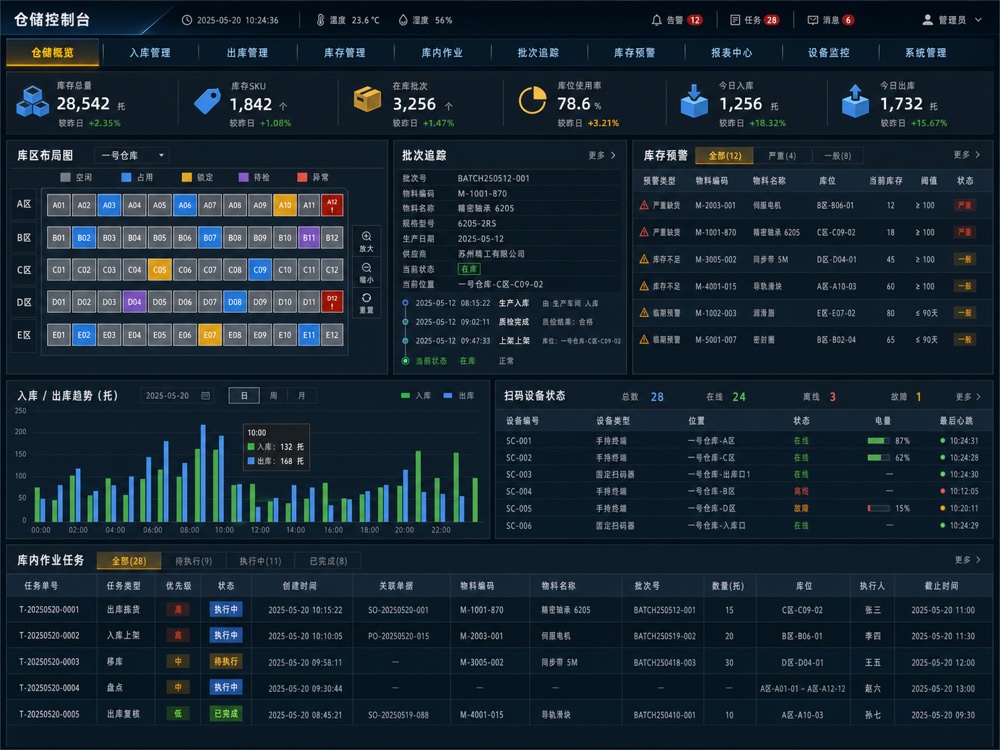
Stock moves every day. Why do month-end records still fail to reconcile?
A manufacturer's materials, work in progress and finished goods were spread across spreadsheets. The first release addressed three questions before considering a large ERP: where stock is, which batch it belongs to and who recorded each movement.
Anonymous manufacturer / Warehouse & production coordination
Give each material a location, a batch and a traceable movement history.
Background
Excel and chat groups tracked material movements. Finding stock required multiple confirmations, and month-end counts used inconsistent definitions.
Delivery
Material records, batches, locations, receipts, issues, alerts, stock counts, scanning, dashboards and role permissions.
Outcome
Inventory lookup moved from asking colleagues and finding spreadsheets to admin search. Exceptions became traceable, with a shared entry point for material issues and counts.
Acceptance
Key materials can be found by batch and location; movements retain activity records; count discrepancies trace back to business documents.
Project acceptance evidence Business model Relationships between materials, batches, locations and documents Process records Scanning, receipts, issues and inventory change logs Acceptance checklist Search, traceability, count discrepancies and permission tests Handover documentation Data dictionary, deployment guide and user manual
02 · Mini Program MVP
Enquiries are growing. Why must support still track every booking manually?
Requests came from several channels, with times, locations, services and prices buried in chats. We broke down a complete service into booking, staff acceptance, on-site work and completion confirmation, assigning a clear state to each step.
The client's problem
Many leads, but bookings and service status needed manual follow-up.
Customers arrived through short videos, social feeds and referrals. Support confirmed details in chats, making notifications and follow-ups easy to miss.
What we addressed first
Connect user, staff and admin interfaces first.
Deliver booking forms, time slots, order status, staff acceptance, service records, SMS/WeChat reminders and admin statistics.
Workflow changes
Turn manual progress chasing into traceable work orders.
Booking sources, fulfillment status, staff progress and feedback are centralized, providing a foundation for later membership, coupons and referral features.
Scope baseline Roles, workflows and exceptions Product prototype Key screens and states MVP release Complete booking-to-fulfillment workflow Three connected interfaces Users / Staff / Admin
Project acceptance evidence Workflow baseline Booking, acceptance, fulfillment and completion state diagram Product prototype Critical user, staff and admin journeys Integration validation Notification, duplicate submission and state consistency tests Launch documentation Release list, configuration guide and regression records
03 · B2B Website + FAQ
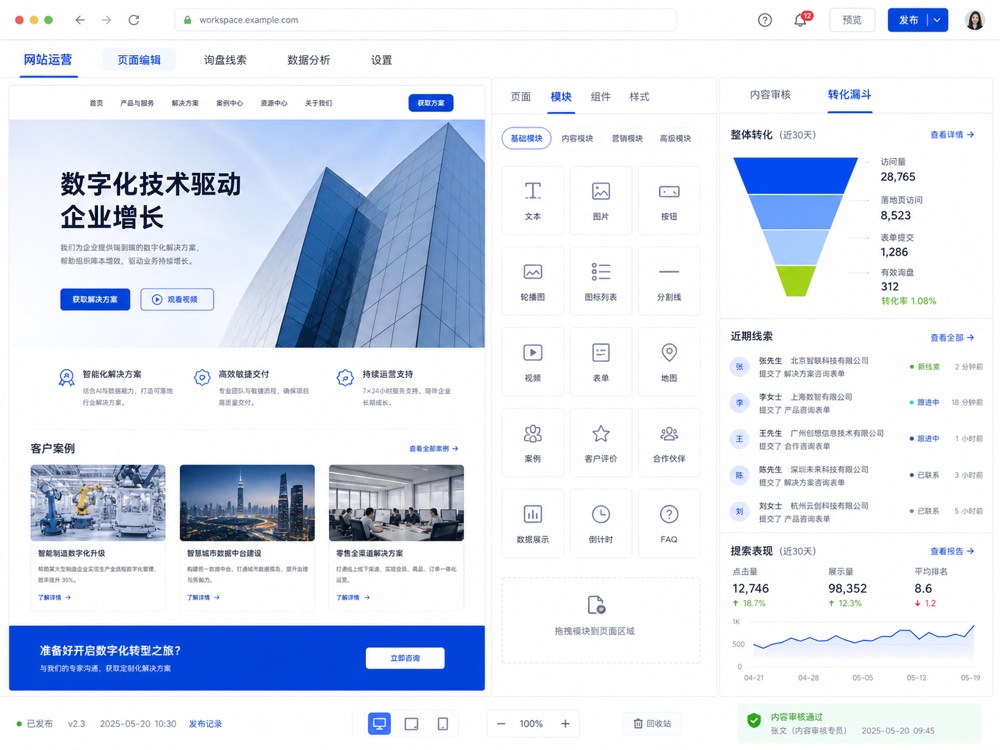
Your products and technology are strong. Why do customers still struggle to understand your services?
These businesses usually have product information but need to reorganize it around customers. We use common questions to turn complex capabilities into understandable scenarios, case evidence and contact paths.
Understand customer questions first
Turn scattered materials into a website structure.
Extract customer questions, service paths, case structures and FAQs from product sheets, quotes, conversations and previous projects.
Then organize the answers
Launch the website, forms and Q&A materials together.
Deliver the homepage, service pages, cases, downloads, enquiry forms, basic analytics and a knowledge Q&A entry point.
Changes in communication
Sales discussions begin with informed visitors instead of lengthy introductory explanations.
Customers first understand scope and relevant scenarios, then discuss quotes and solutions around their actual needs.
Project acceptance evidence Content sources Customer questions, service boundaries and content structure Search foundations Page titles, structured data and sitemap Conversion journey CTAs, forms, source attribution and lead storage Operations handover Content maintenance, analytics and publishing instructions
04 · Operation Backoffice
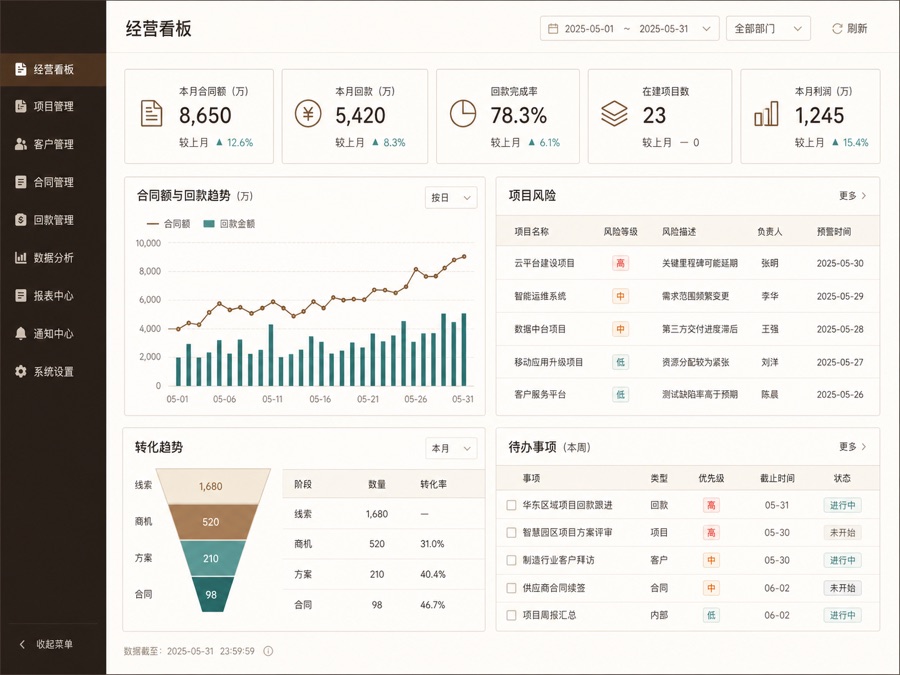
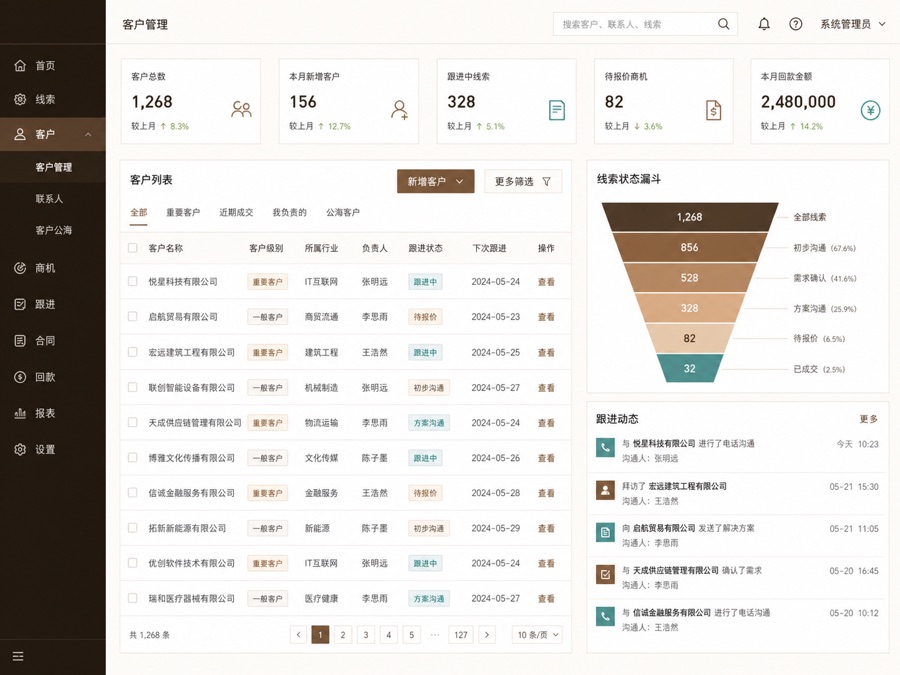
Every spreadsheet has an owner. Why is the overall picture still unclear?
The business was established, but customers lived in WeChat, orders in spreadsheets, progress in groups and payments in finance records. The first phase connected one critical workflow.
CRM
Customers & leads
Centralize lead sources, follow-ups, quotes, contracts and owners so opportunities do not remain in personal chats.
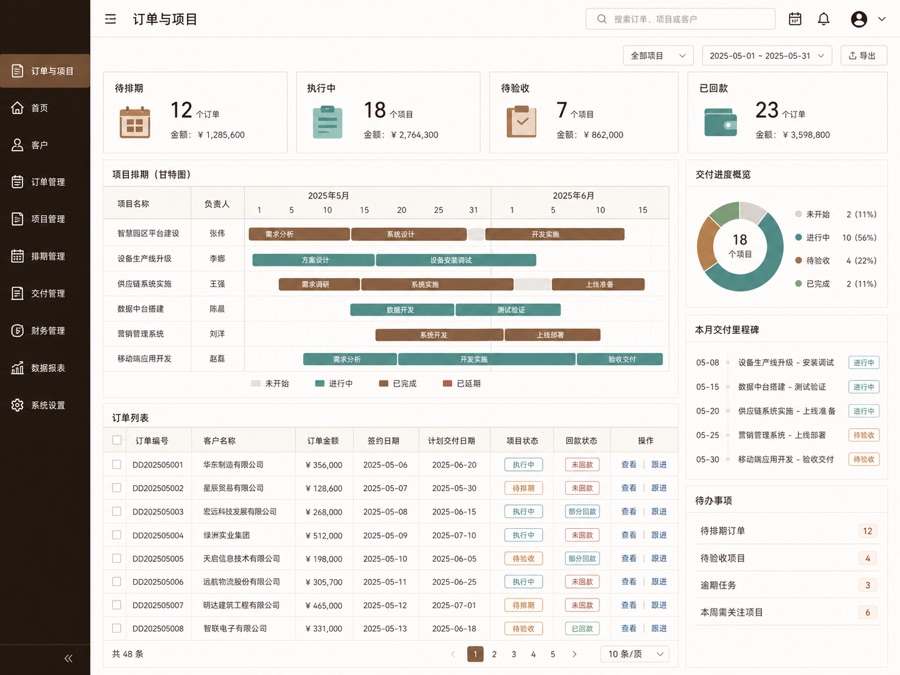
Order
Orders & projects
Connect quotes, contracts, scheduling, execution, acceptance, invoices and payments through shared statuses.
Dashboard
Operations dashboard
Summarize weekly tasks, project risks, receivables, conversion and team work in a view managers can scan.
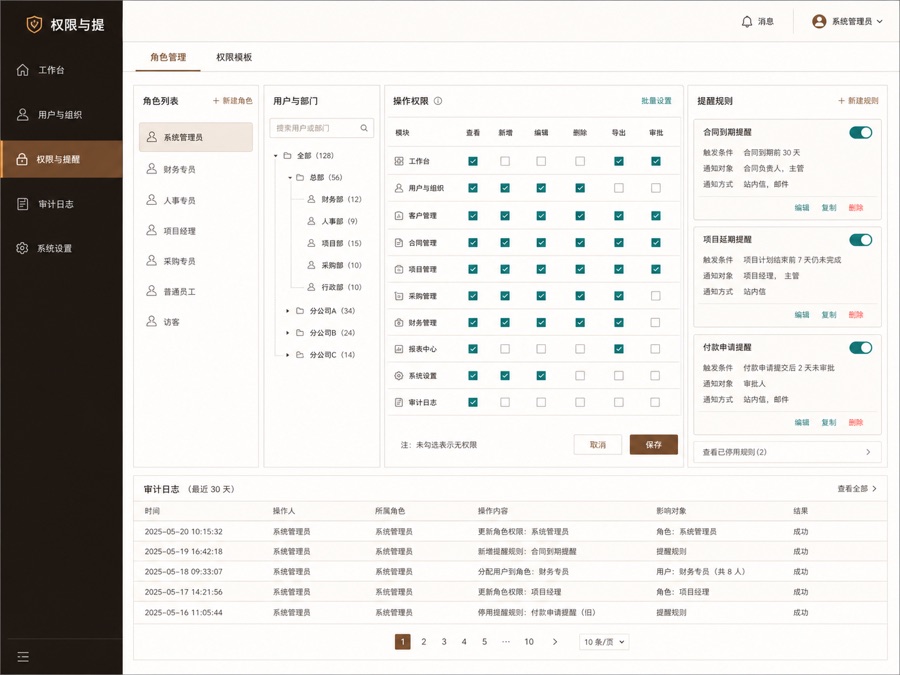
Permission
Permissions & reminders
Provide role-specific access for management, sales, operations, finance and delivery, with due-date, overdue and exception alerts.
Project acceptance evidence Workflow rules Lead, order, project and payment status definitions Permission matrix Roles, data scope and action permissions Data migration Field mappings, import validation and exception records Operational reliability Backups, logs, health checks and deployment instructions
What this project taught us
These systems rarely replace every tool in the first release. Begin with a critical workflow such as lead-to-payment or order-to-fulfillment, then connect adjacent processes after launch.
05 · Workflow Assistant
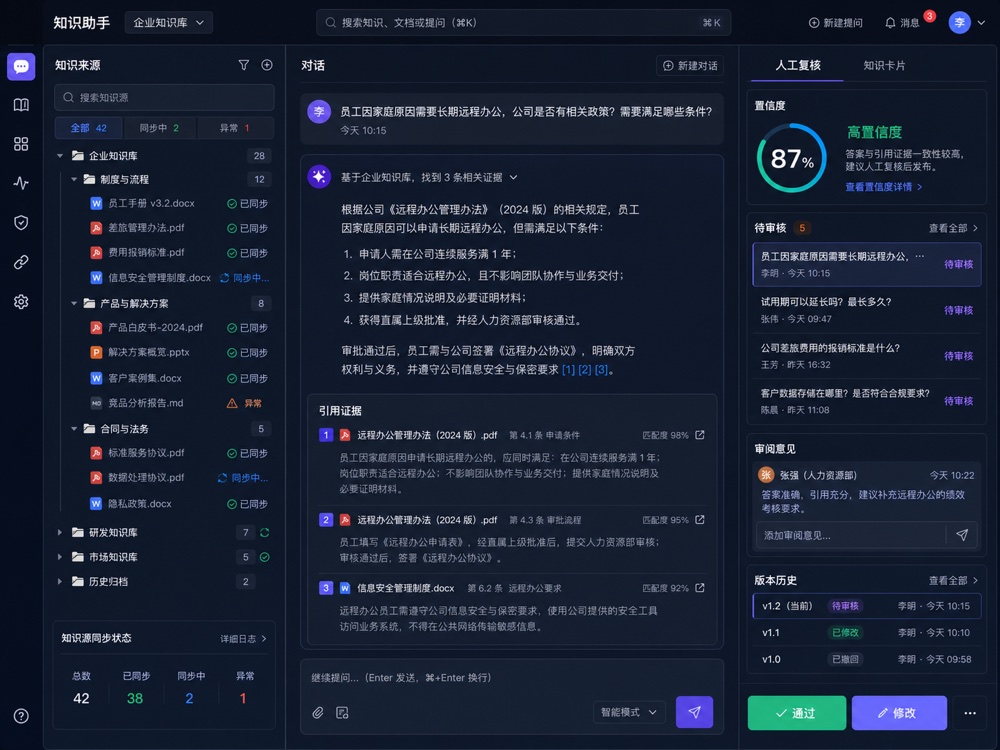
Documents keep growing. Why is the team still answering the same questions?
The problem may be scattered product information, pricing rules and experience rather than staffing. We organize reusable knowledge, then let the system assist with repeated search, summarization and drafting.
Capture experience first
Define what the assistant can answer.
Import product materials, service descriptions, pricing rules, FAQs and after-sales processes, with boundaries for human review.
Validate accuracy and boundaries with an internal assistant before connecting website Q&A, support channels or business systems.
Knowledge inventory Sources, versions and permissions Internal pilot Question sets and failure examples Traceability Q&A and citation records Human review Retain critical review points
Project acceptance evidence Knowledge inventory Document sources, versions and answerable scope Retrieval evaluation Question sets, citation matches and failure examples Human oversight boundaries Review, escalation and sensitive-content rules Audit records Questions, answers, citations, feedback and revision history
Facing a similar problem? We can start with one business workflow.
You do not need a complete requirements document. Share current spreadsheets, conversations and the team's main frustrations so we can identify the priority and define the first release.
Real industry projects · Client information anonymized
From business needs and engineering choices to acceptance evidence, review the delivery process.
The following four examples come from delivered projects. Client identities, locations and production data are hidden; images are redrawn from actual sites and system structures.
Anonymized scenario redraw · Client information hidden
Real project 01 · Industrial device maintenance
Add remote status, alerts and diagnostics to existing controllers
The equipment used a proprietary serial protocol and required on-site troubleshooting. The first phase selected one device type to validate parsing, offline backfill, alert work orders and remote logs.
Components
Protocol adapter + Edge gateway + IoT platform
Acceptance
Reconnection, deduplication, alerts and command acknowledgements
Anonymized scenario redraw · Client information hidden
Real project 02 · Retail cold chain
Give headquarters a shared view of store temperatures, exceptions and resolution progress
Stores previously recorded readings manually, detecting issues late and struggling to trace records. The first phase covered selected stores, connecting sensors, thresholds, notifications, acknowledgement and regional escalation.
Components
Sensors + Gateway + Store device platform
Acceptance
Continuous collection, alert escalation and handling records
Anonymized scenario redraw · Client information hidden
Real project 03 · AI-assisted receiving
Connect recognition, scanning, human review and stock receipts
Warehouse receiving required repeated package identification and data entry. Edge inference handles recognition, low-confidence results go to human review, and only confirmed results enter the WMS.
Anonymized scenario redraw · Client information hidden
Real project 04 · Smart hardware productization
Turn development-board validation code into testable, upgradable firmware
The product had passed prototype validation but lacked version control, fault recovery and production testing. The first phase fixed the hardware batch and established firmware, communication and testing baselines.
Components
Firmware + Configuration tools + OTA + Production test guide
Acceptance
Stability, fault recovery, upgrades and handover documentation